Jakarta, Indonesia
Category:
Product Design
2020
Project Year
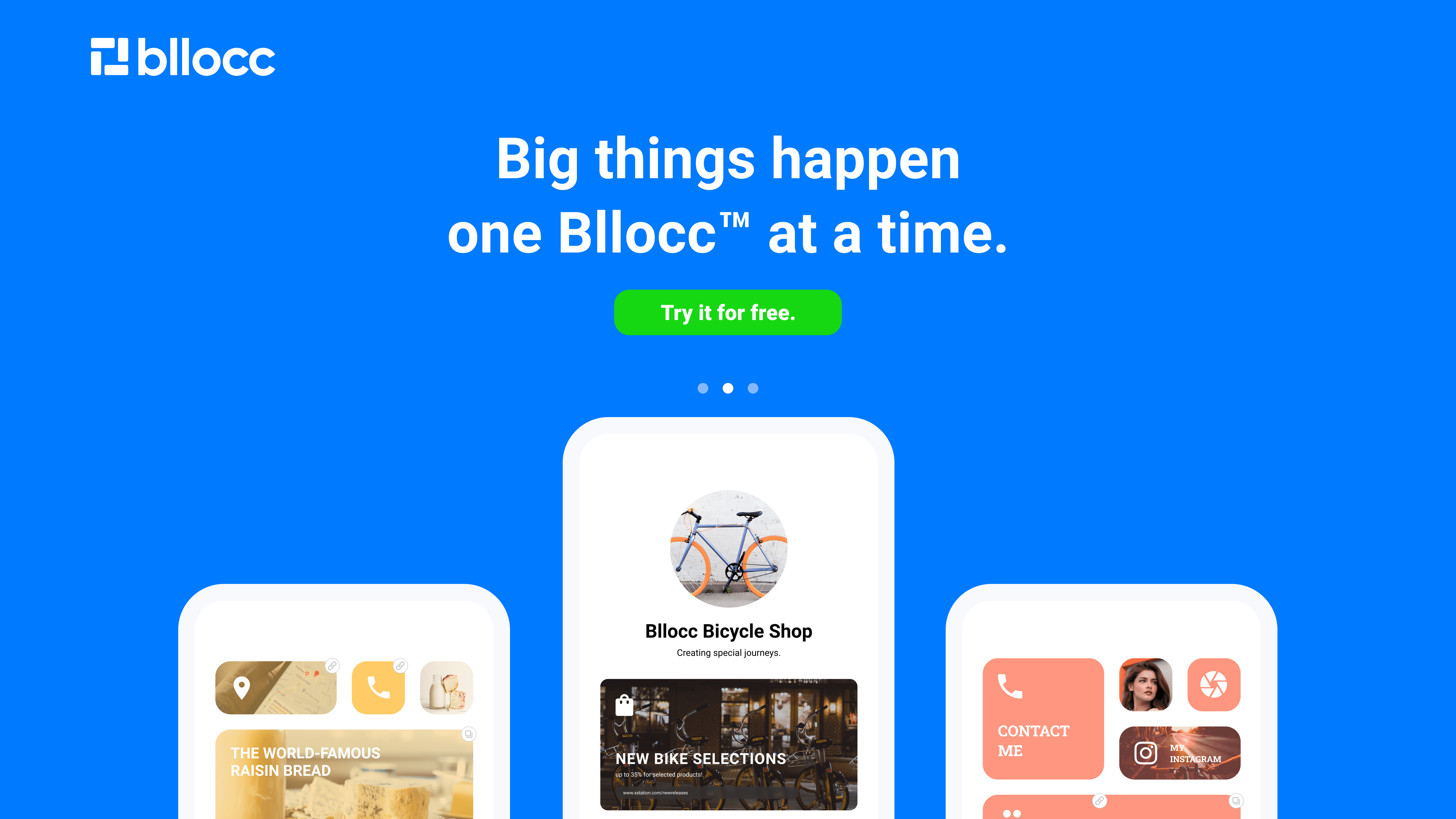
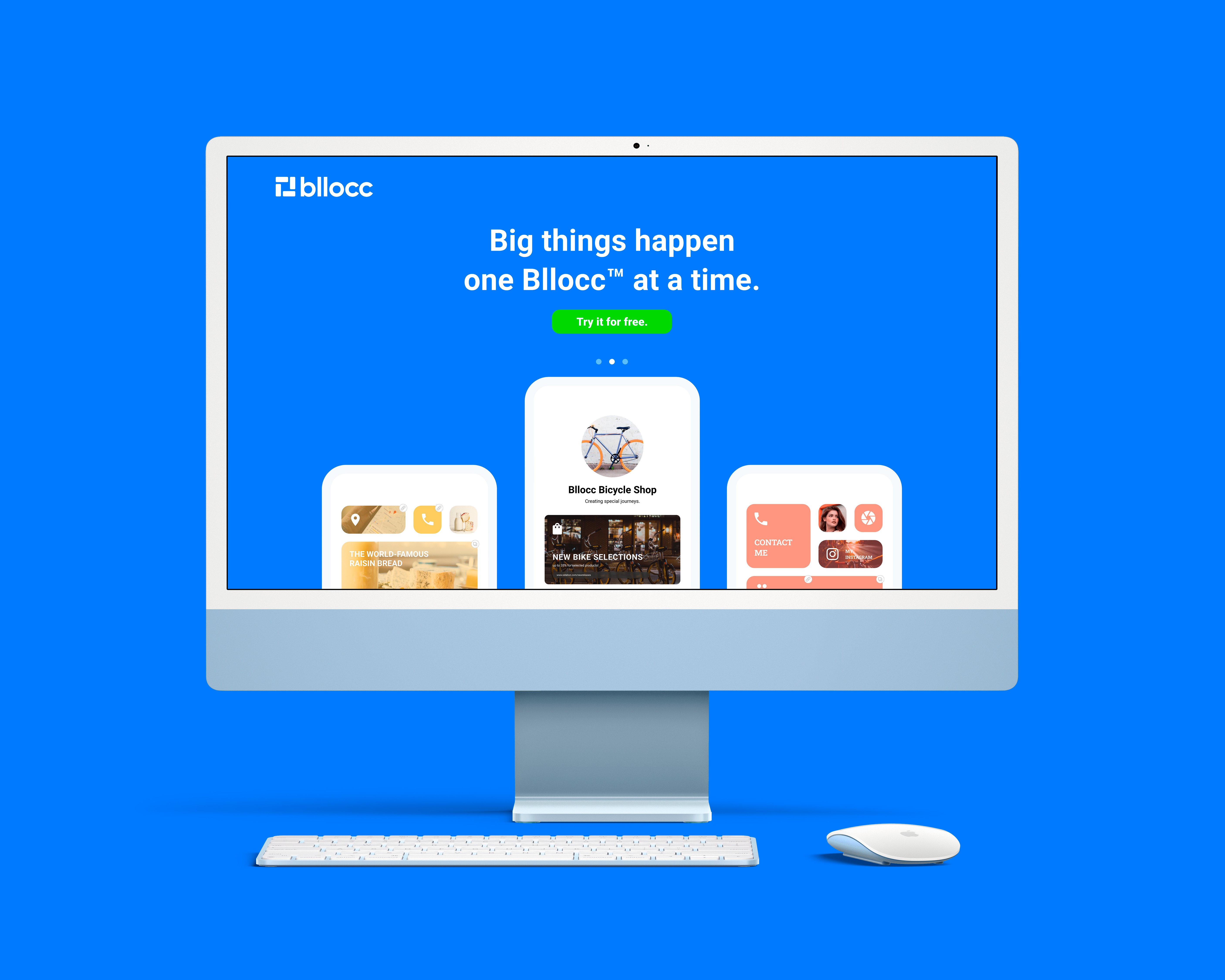
Supercharging small businesses with link management.

Project Brief
The Conception
How did this came to be?
Bllocc came to be as an exploration that became an actual web app that we wanted to release publicly. The initial idea happened upon us over a simple catch-up between co-workers outside of our work hours.
To say the least, the conversation evolved into a bunch of crazy ideas that it was looking like a brainstorming session instead of laughs and giggles. One of which was the something that can be an alternative for link shorteners (bit.ly, Linktree, etc.) with a more visual output in mind. After noting a few key concepts and some questions that we need to answer, we decided to plan a roadmap for development, and work on it for real.
That random outing ended up with the majority of our team: Bryan (Project Manager & Visual Design), Matthew (Full-Stack Dev), and Vinsen (Yours truly, UI, UX, and Visual Design). We were later joined by Aileen (Visual Design) during the first week.
After that session, we entered our first week of development by focusing on research and analysis. We wanted to polish our data to make sure that there is a possible market for our app and defining the needs and frustrations of our potential users when they use other similar link shorteners.
We divided this process into 3 parts: researching users, analyzing our competitors, and further design sprints.
Researching users and competitors
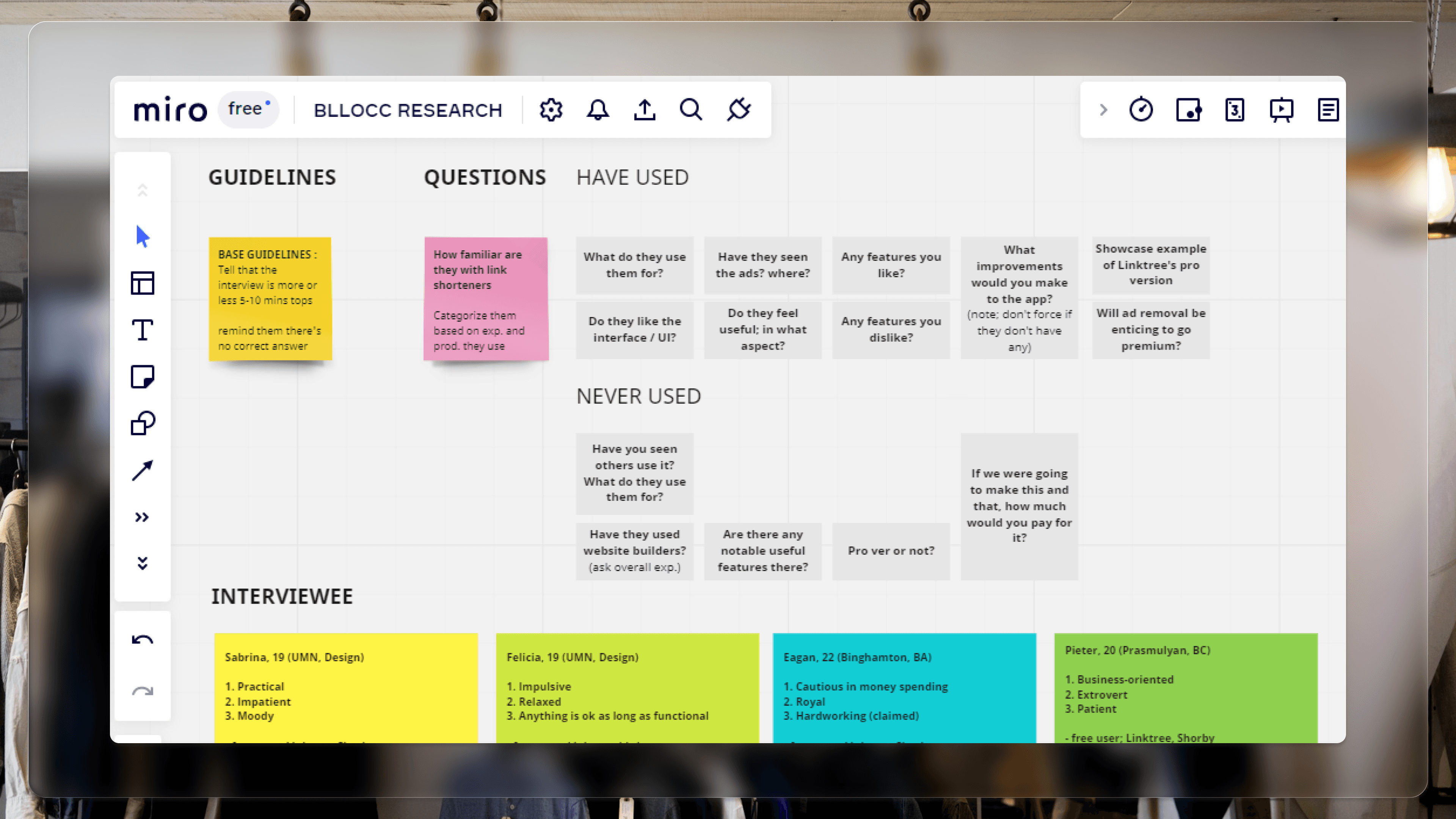
We spread out a survey and interviewed people who have had the experience of using link-shortening products. Our main goal during this step was to find their personal needs and pain points. What do they value the most in these services? Where did they find features that work and don’t work? Were they satisfied with the plan that they got? Et cetera, et cetera.
40 survey respondents and 15 interviewees answered our call. We got most of our data during the weekend, so our team did most of the data collection online, using Miro. By the next Monday, we had most of it moved to physical post-its, and they were stamped to our office’s walls.
We aim to build the project within an existing market, and so we decided to look at what our competitors do best and where can there be improvements. During this point, our team took one service each and wrote our thoughts regarding these services to eventually be pitched during our next processes (and fill up our wall more with ideas!).
Preparation
On the first day of the second week, we gathered our findings during the previous week from interviews, surveys, and independent research altogether through brainstorming. We mapped our results with post-its to the wall. There were some key takeaways that we found, the primary ones being:
Most respondents (almost 75%; three quarters of our whole sample) are familiar with link-shortening services and have used them for various reasons. From selling products in different online shops to simple portfolios.
Respondents feel the need of better modifications in their sites, particularly within the capabilities of customizing their links to feel different between each other.
They would go for premium should there be more upgrades in regard to point no. 2, or ease-of-use improvements.
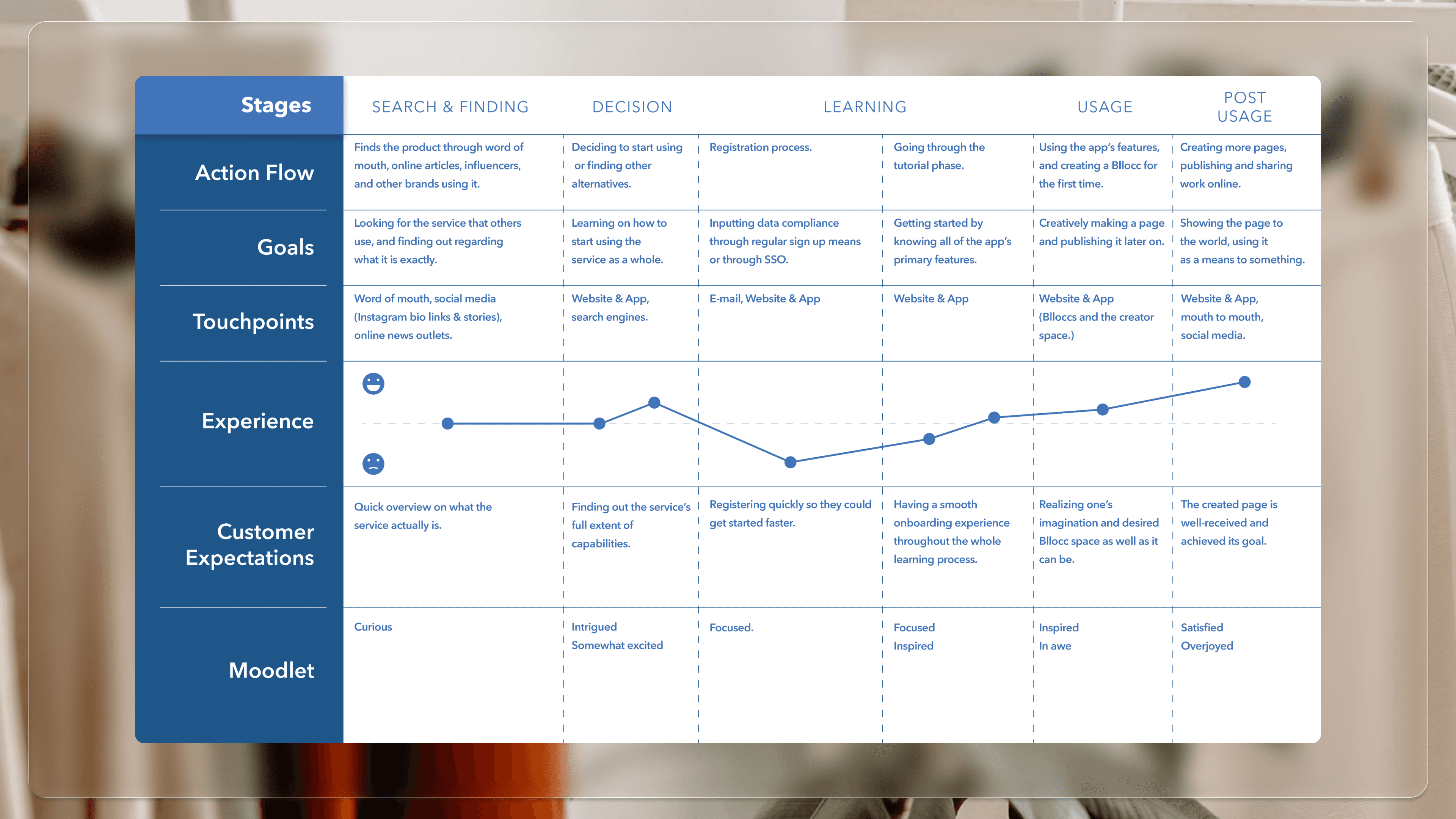
All of this became a consideration during our planning phase, which involved persona-making, mapping the information architecture, and brainstorming for more visual concepts. We also began delving into the customer journey and finding out their high and low points to serve as a reference in our future designs.
We then proceeded to loosely adapt the design sprint method of Google Ventures into our process and set a realistic objective for the next two-weeks: solve the problem through experiments and create a prototype which will be implemented through real-life application.
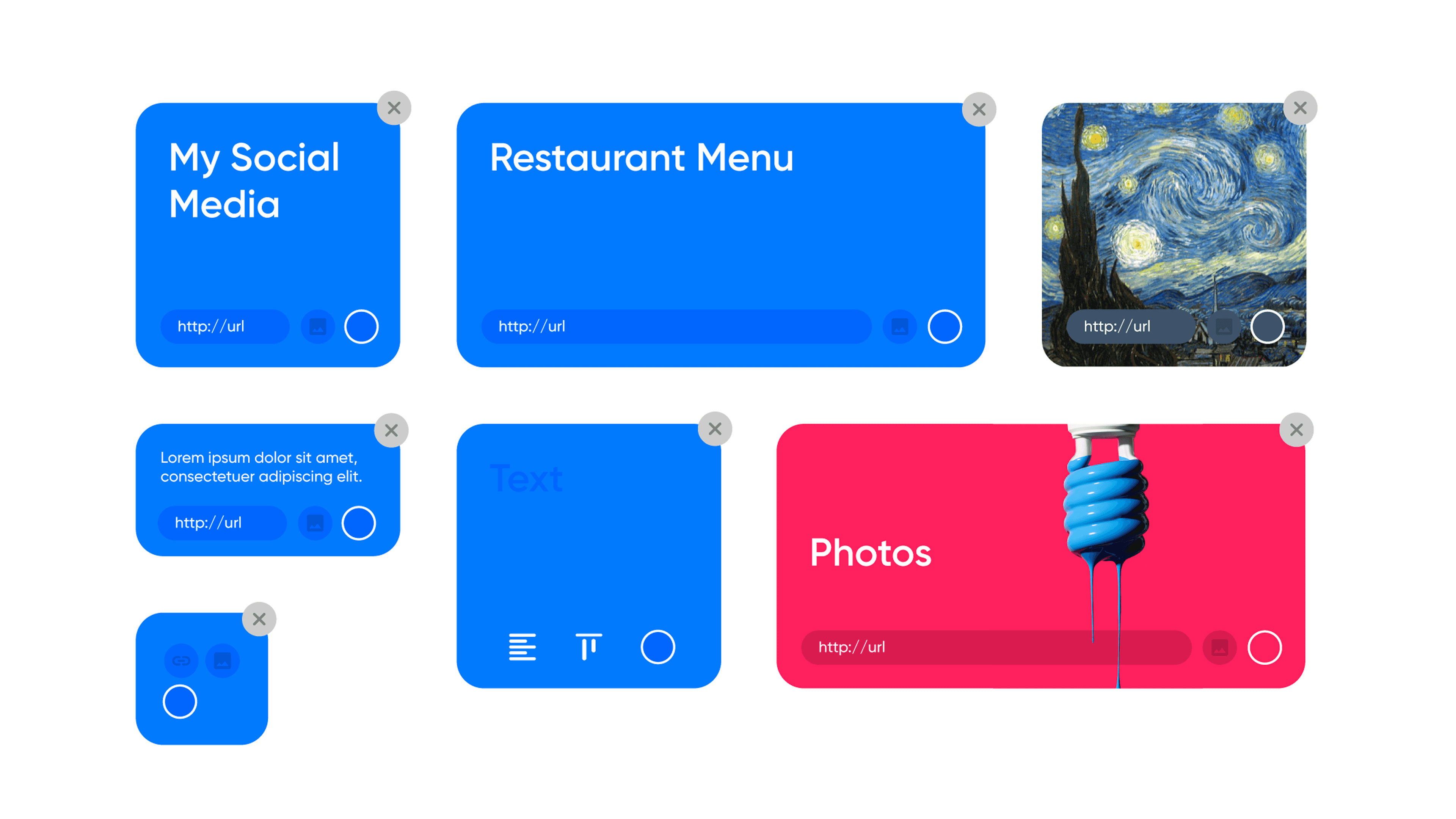
The building "blocks"
Around the middle of the week, we began crafting multiple sketches independently based on our findings so far. We wanted to proceed step-by-step from low-fidelity to high-fidelity, with usability testing placed in-between. Me and Bryan had the same rough idea on how to visualize the product itself: positioning the elements and links as ‘Blocks’. We pitched this idea to our other team members, and after a vote, we decided to go forward with this concept. We then proceeded to find some people who are able to be our ‘test subjects’ in the real world, as well as create a user flow based on this by positioning a user who is creating their first batch of Blocks.
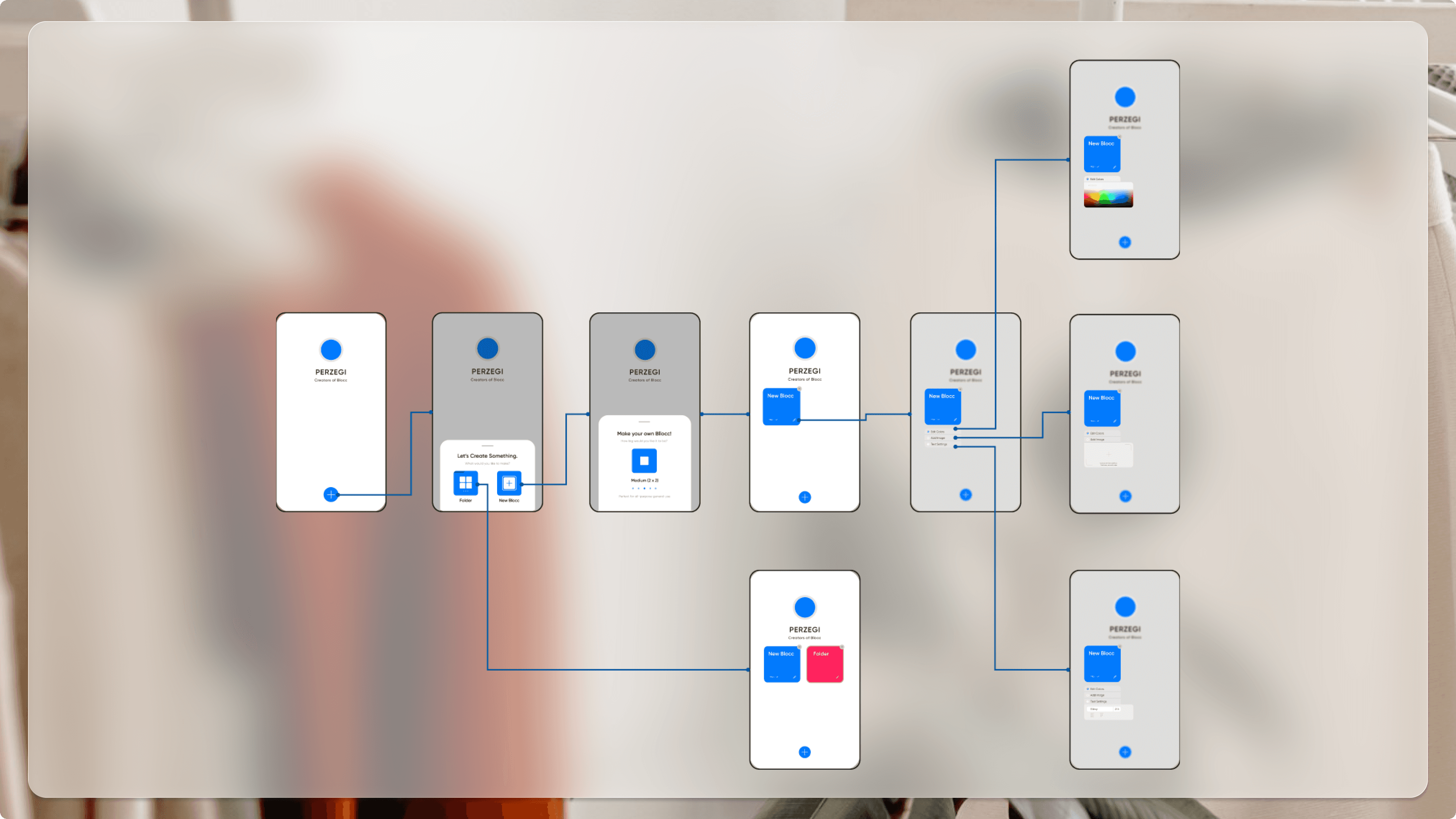
By this point, we are around 70% done in mapping how the overall web-app is going to look like. Our main concerns lie in the code itself; since we had to have a library that supports our whole idea. Matthew assured us that he’s found a way but need more time to learn how to implement it, so we decided to focus more on that objective of ours: making the prototype for our potential users.

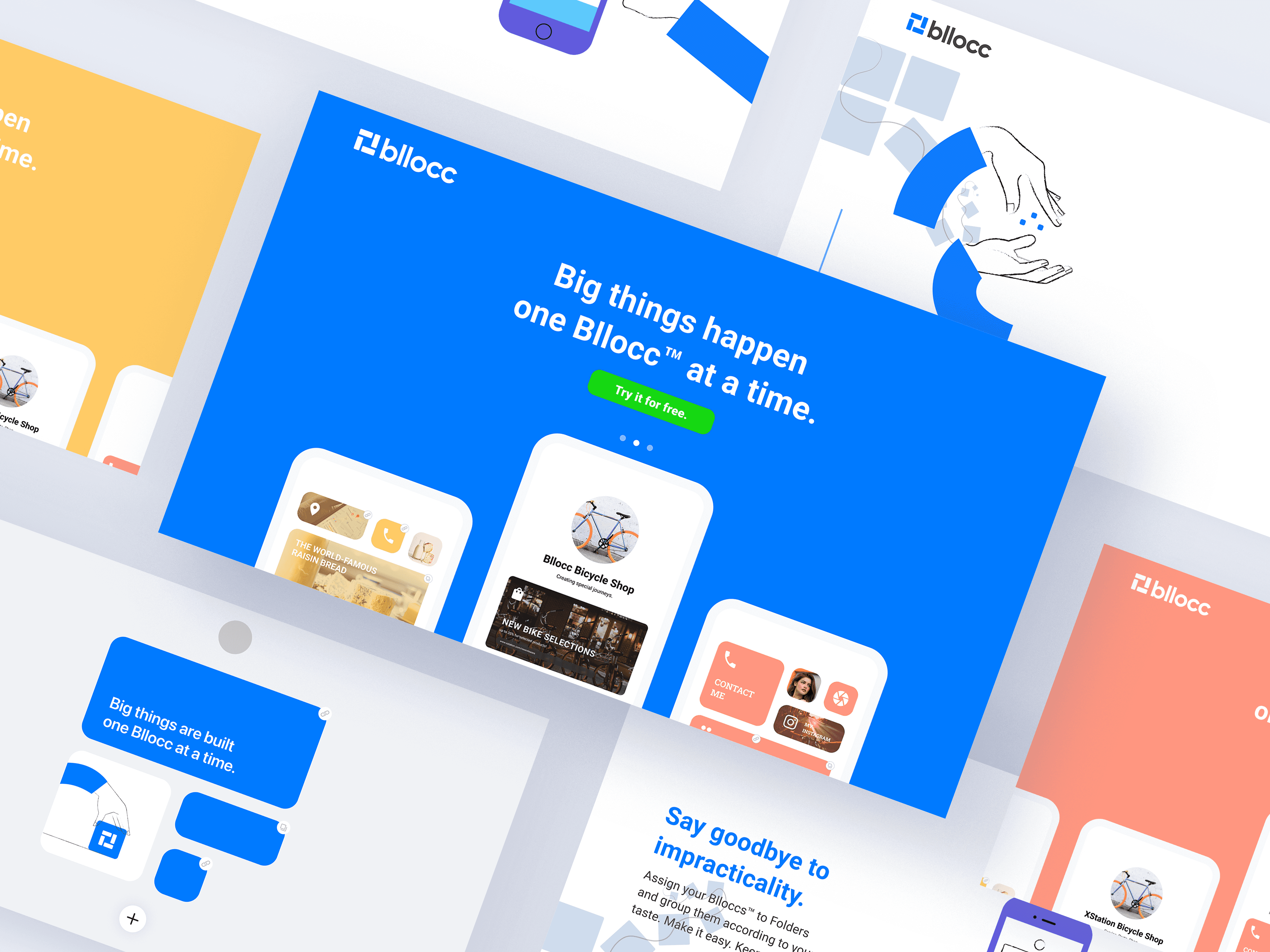
Oh, and we also decided on the name ‘Bllocc’. It rhymes with ‘Blocks’ and it goes well with .cc as our primary domain extension. The logo is basically our app but made into a square. Pretty nifty, if you ask me personally.
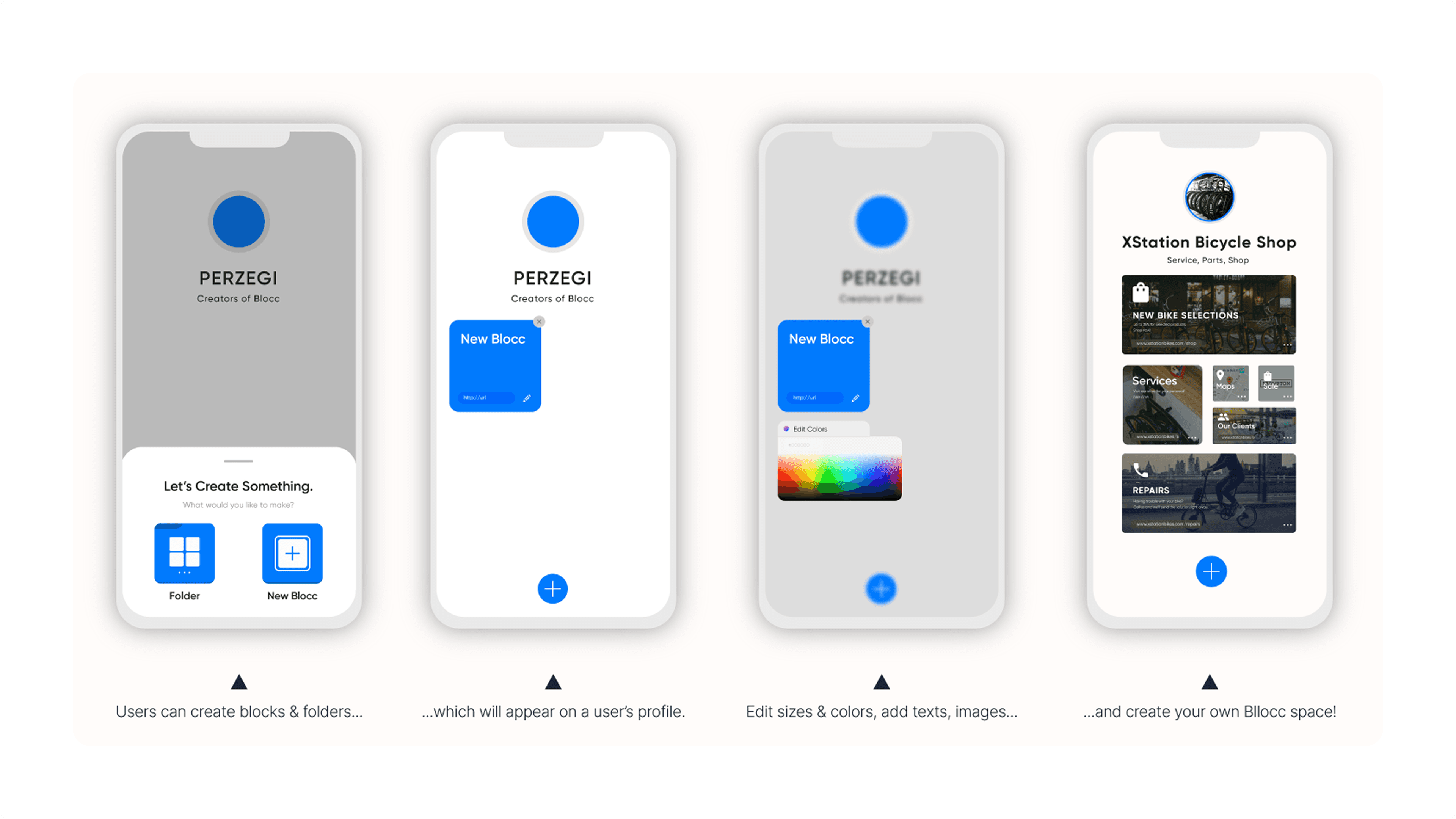
We also conceptualized a few other aspects of the site by this point! Namely, the brand identity, what features would it have, and how users would start using it. We chose vibrant blue to be our primary color just to convey ease of use and non-intimidating vibes, with white completing the palette to signify sleekness and a blank slate that people can tamper freely (this was later confirmed by potential users to have that effect during testing).
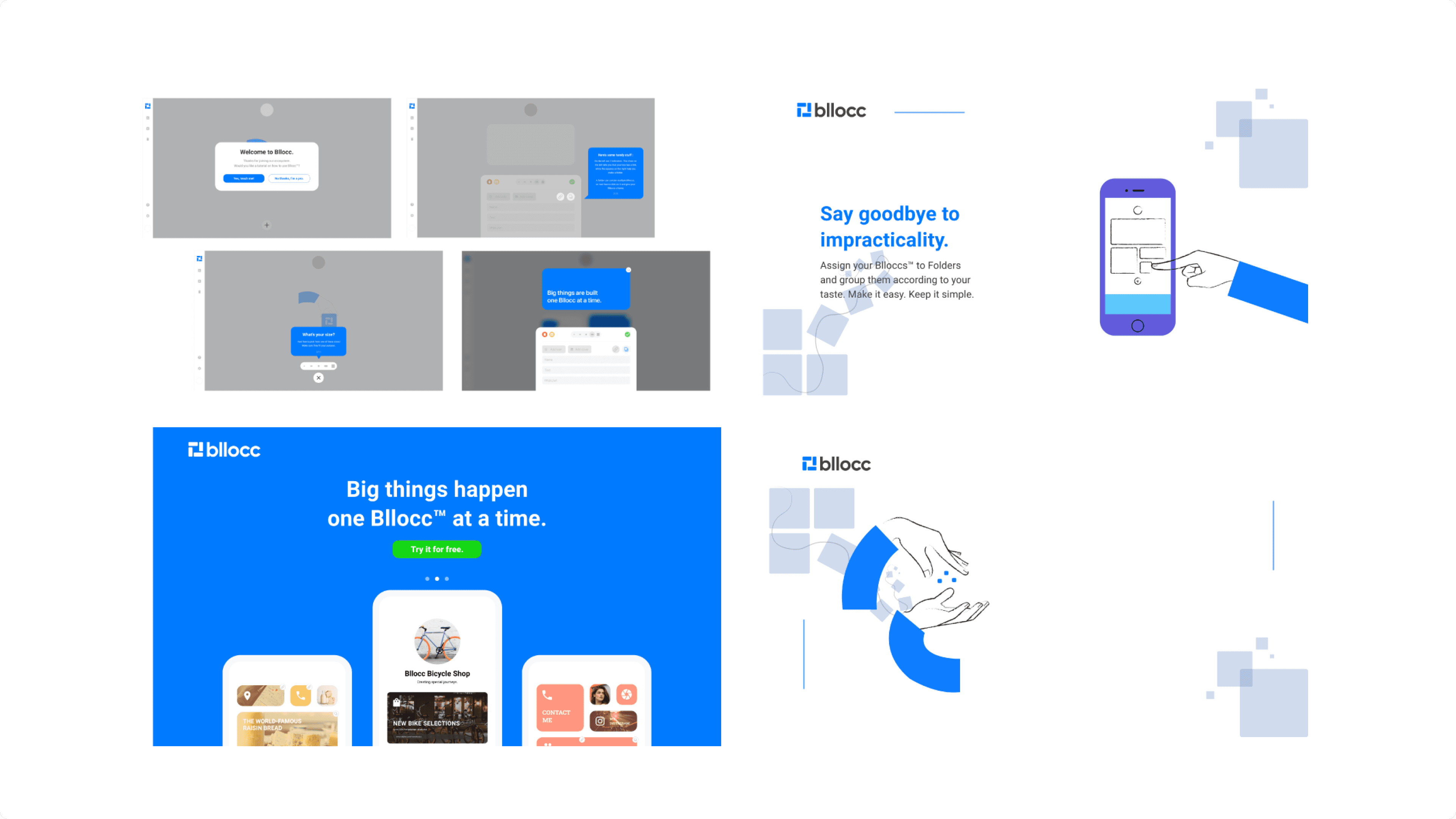
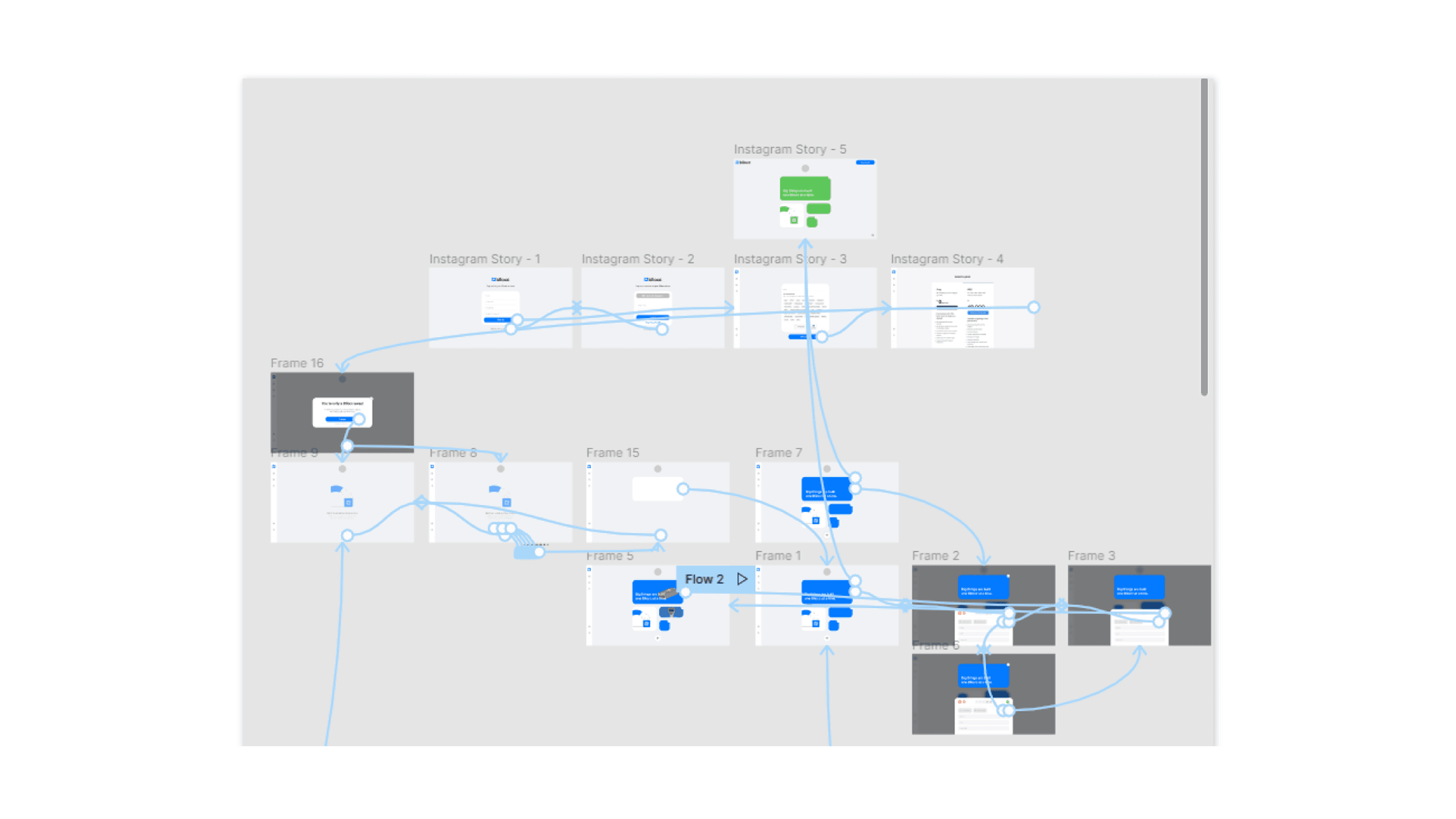
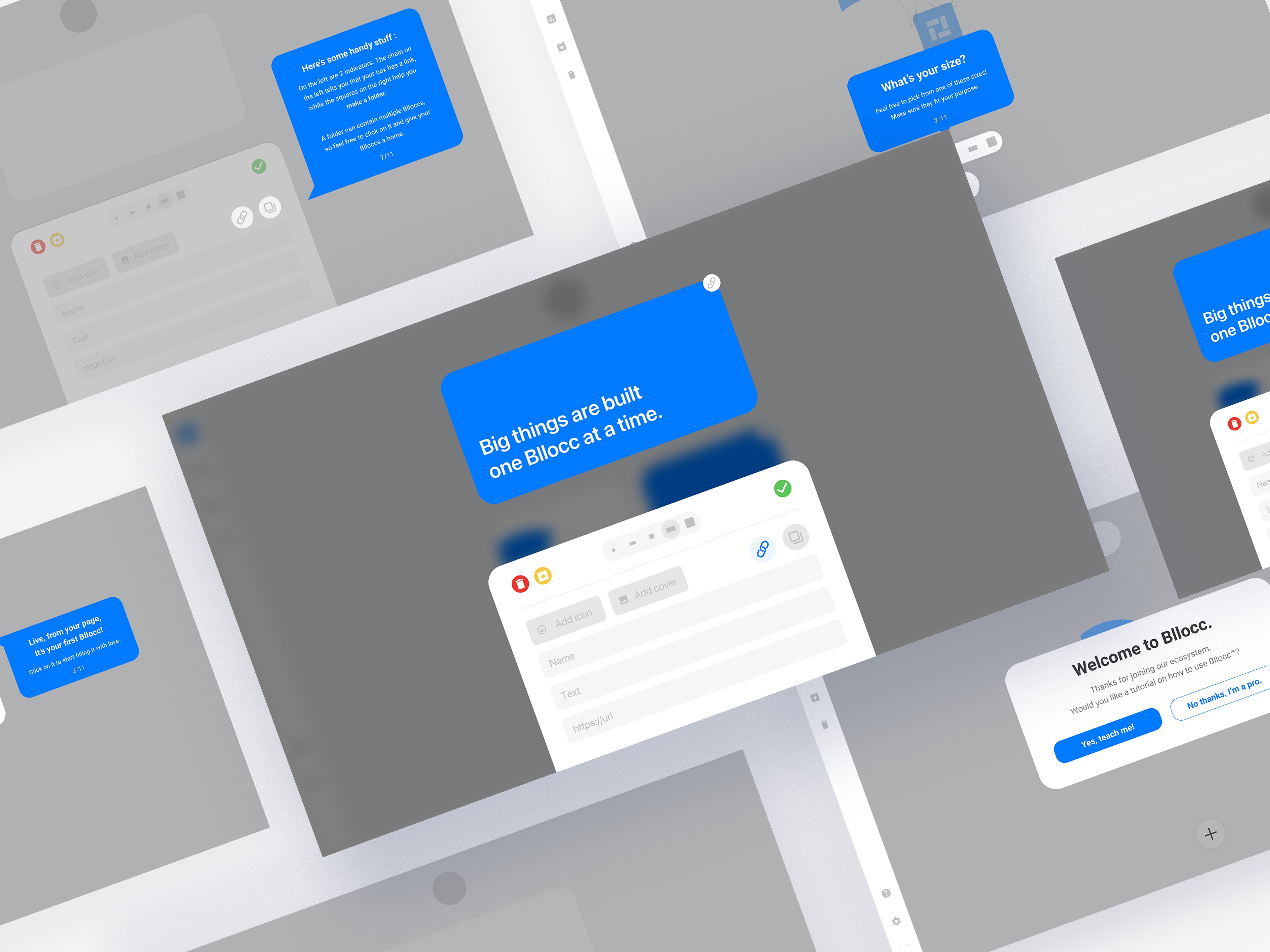
Our focus turns to those ‘test subjects’ we mentioned earlier. We got 2 online shop owners that we asked to be our first recipient. The first prototypes were pseudo-static; meaning they work in a way like a finished product would, but we would do any edits manually. This step begins in Figma, in what people usually call high-fidelity prototyping. We made ones for the app itself, the onboarding process, and the landing page.
Side note: that code problem from before? It’s solved (somewhat). We found a library that can handle the customization process (especially the block-dragging motion that we wanted). It’s not perfect; we noted how heavy the product became to load, but we figured that we’re going to try to find a way to lighten it on the way.
During prototyping, we tested each feature and steps internally and externally (the latter mostly spontaneous when we encounter people that falls into our demographic), and tailored based on feedbacks over, and over, and over again.
An example in this improvement can be seen in the block creation process, which was noted by a few testers when presented with it. This took shape in size previews with added flavor texts to help users, especially first-time ones that still need to visualize before creating their intended results.
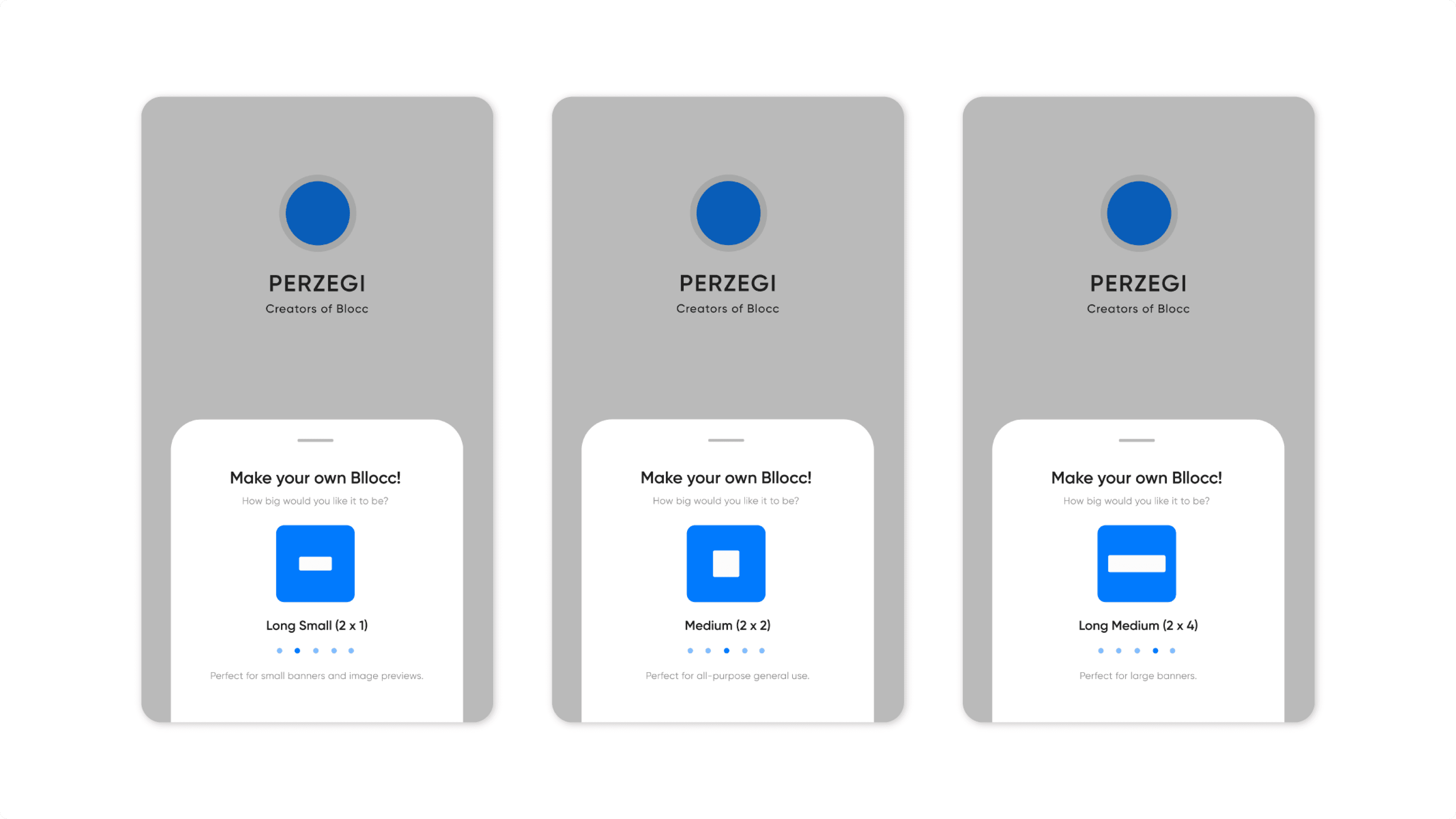
This process took the most of our third week; the people we asked were quite interested in seeing where we improve, which we are very grateful for. If one of you testers are reading these, you guys are the best.